← Pandu SOS · Português · Español · Français · Deutsch · Italiano
Guide for rescuers
For paramedics, firefighters, civil protection, first aid teams and anyone giving first aid. · Updated 29 October 2026 · By Fábio José dos Santos
Seen a QR with the word EMERGENCY or a panda on a red seal? Point your phone camera at it. In seconds you see the person's allergies, blood type, medicines, health conditions and family phone number.
Where to look
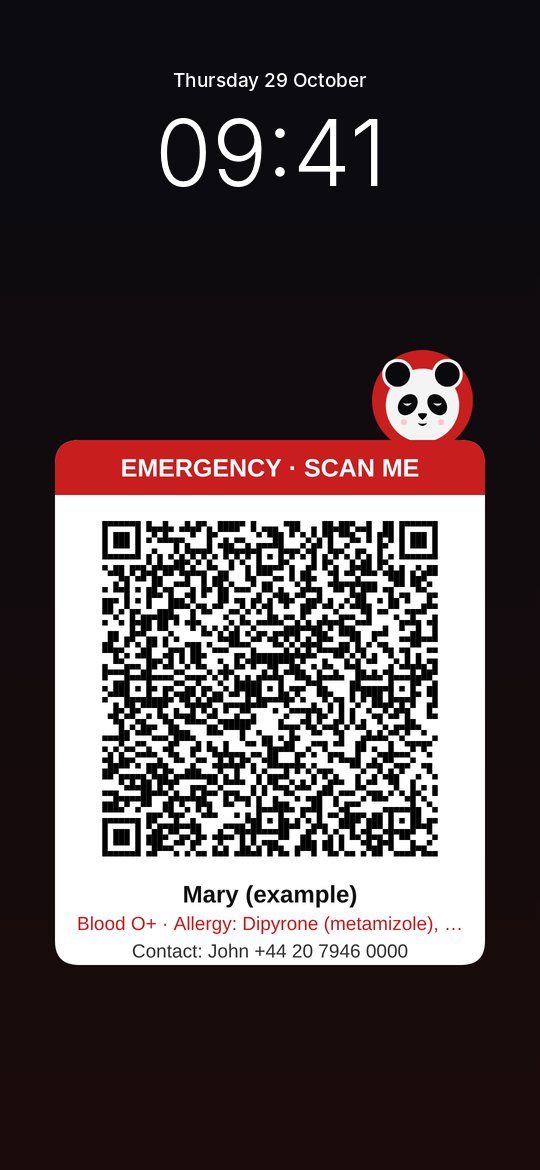
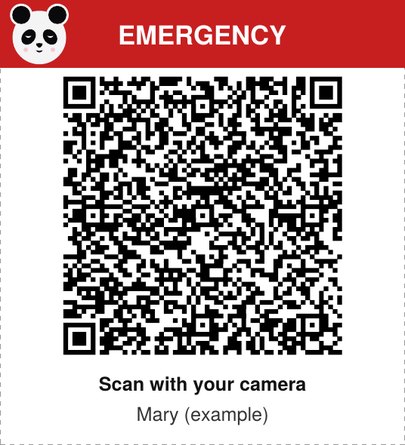
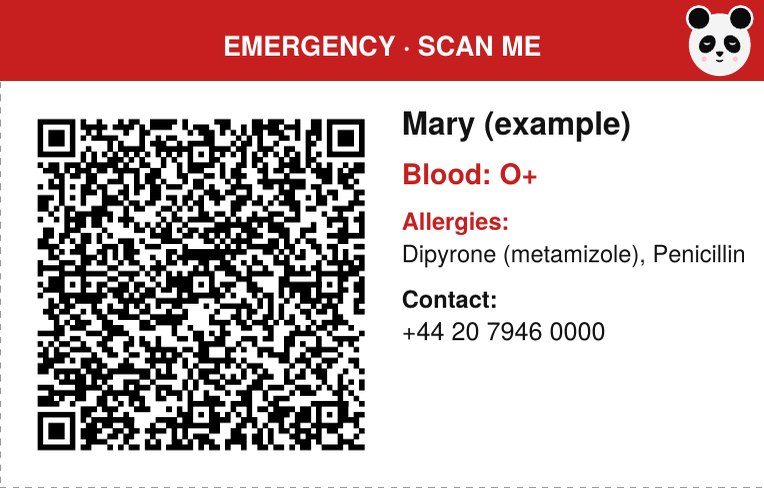
On animals, the QR is on the collar tag or on the carrier.
How to read it
- Open your phone's camera and point it at the QR. iPhone and Android read it directly; if not, use Google Lens.
- Tap the usepandu.com.br link that appears.
- The emergency card opens at once, in your phone's language. No app or sign-up needed.
Some QRs are "text only": the information appears written in the camera itself, even without internet.
What you see
- Name, age and blood type.
- Allergies, highlighted in red.
- Conditions such as diabetes, epilepsy, blood thinners, pacemaker, pregnancy, Alzheimer's or autism.
- Daily medicines and health insurance.
- Family contacts with Call and WhatsApp buttons, and your country's emergency number.
- For people who may be disoriented (Alzheimer's, autism): a button that sends your location to the family on WhatsApp.
Important
- The information was written by the person or their family. Check the "Updated" date at the bottom of the card.
- Pandu SOS does not replace clinical assessment or your service's protocols.
- The card's data is encrypted: it only opens with the QR. Nothing is saved on your phone after reading it.
Try it now
The card and the sticker on this page belong to a fictional person. Scan them with another phone or open the card directly:
For teams and stations
Do you work for an ambulance service, fire brigade, civil protection or rescue team? We will send you example cards and a short presentation for your team, free of charge.
contato@usepandu.com.br · TikTok @pandu.sos
Pandu SOS · In an emergency, call your country's emergency number.